Reimagining Apple's Screen Time management tool
- Role
- Personal Exploration
- Company
- Personal Exploration
- Year
- Q1 2019
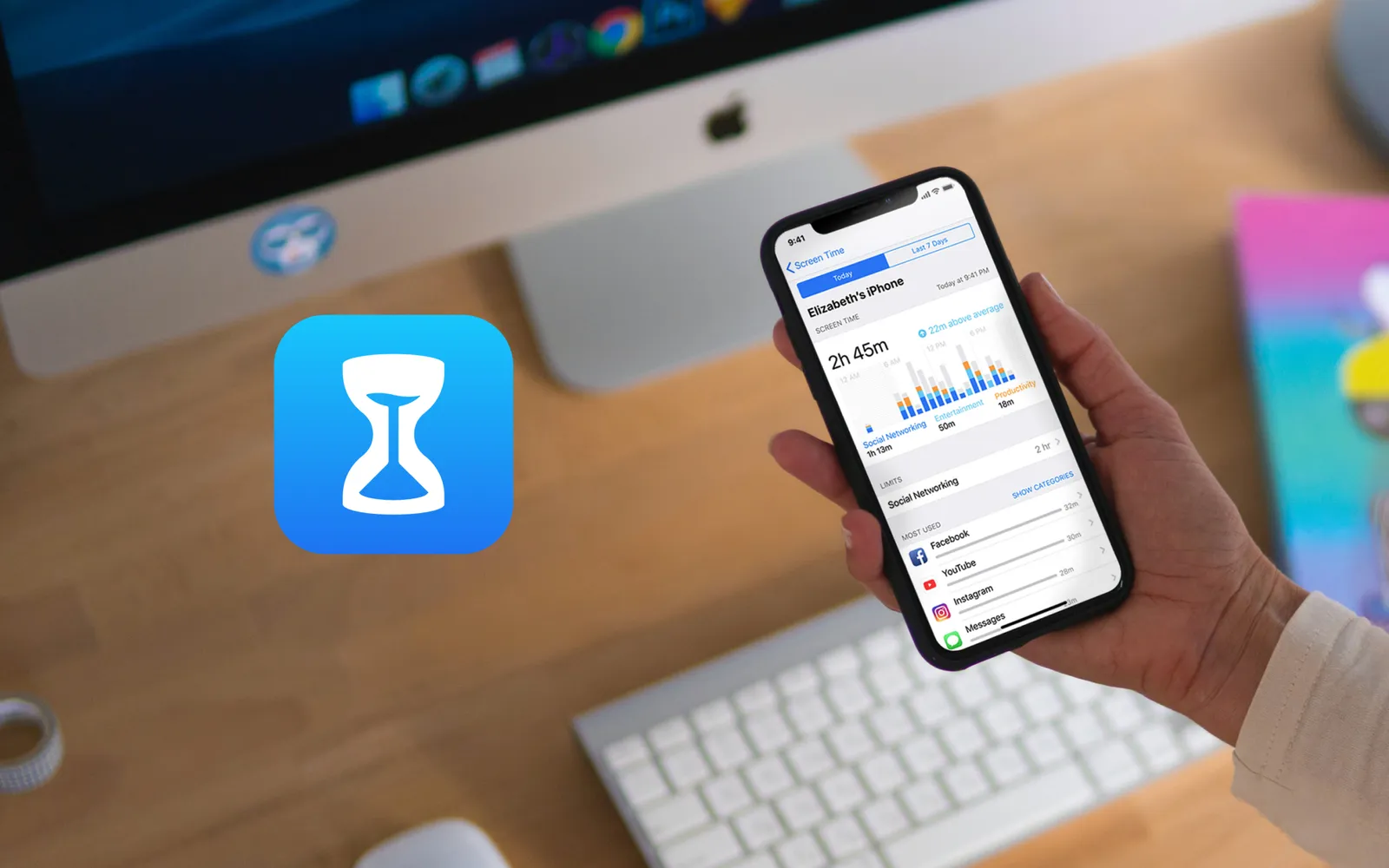
What if Apple created a more powerful, intuitive version of Screen Time? In 2020, a year after I designed this concept, Apple shipped Dropzones, a location-based screen-time feature in their Shortcuts app that closely mirrors the one proposed here.
Apple’s Screen Time feature is hidden away in settings. But what if it was a standalone utility app that lived proudly on the iPhone’s home screen? As part of my interest in digital mindfulness, I spent a few weekends redesigning Apple’s Screen Time features to provide more functionality to users who have trouble managing tech-life balance.
Role and responsibilities
- UI/UX design
- Secondary research
- Concept development
- Prototyping
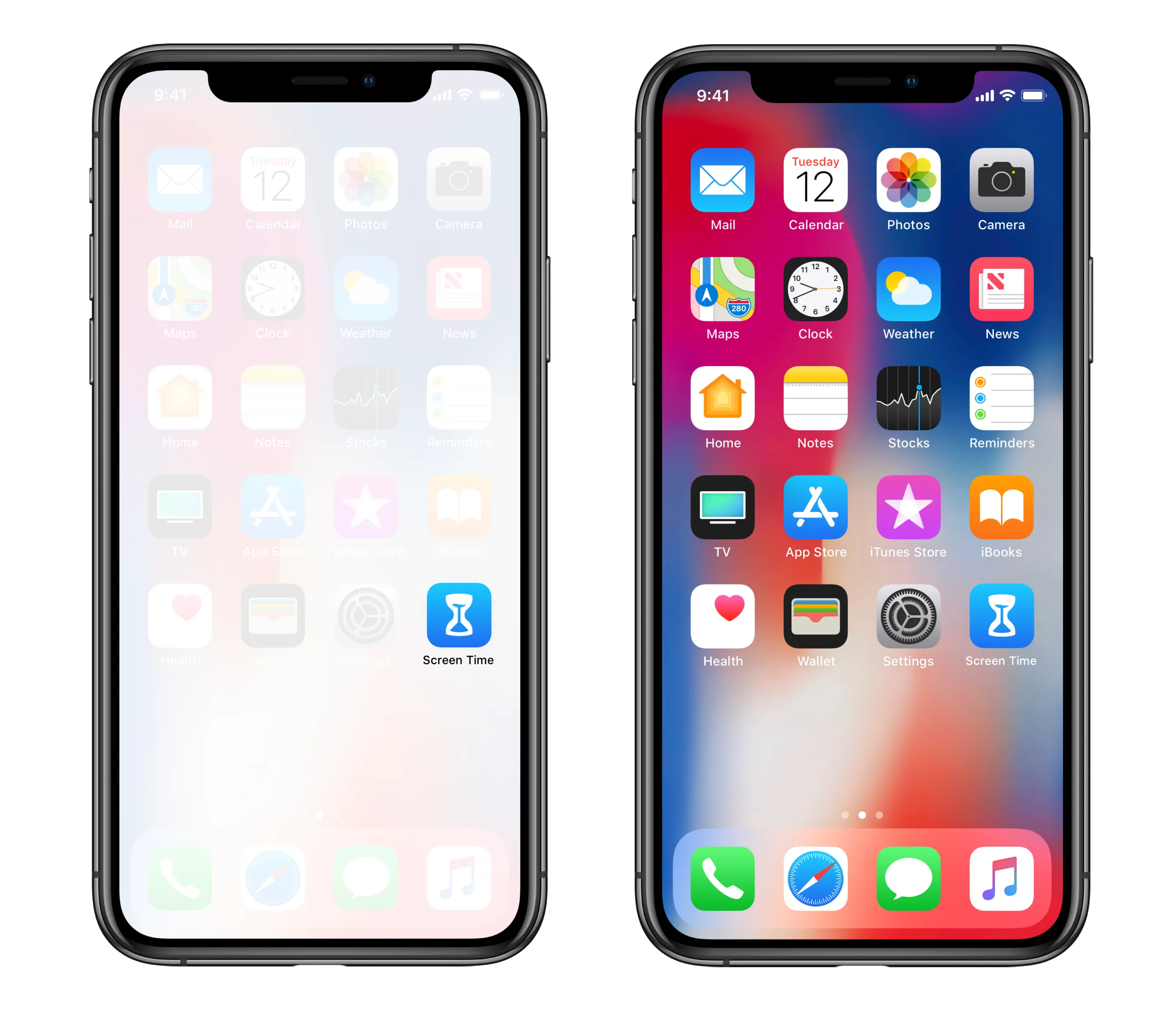
Icon refresh
In keeping with Apple’s Human Interface Guidelines, I increased the likeness of the hourglass visual metaphor. Apple’s HIG resource page notes that people learn more quickly when an app’s virtual objects and actions are metaphors for familiar experiences, whether rooted in the real or digital world. Increasing simplicity and using visual metaphors here is acutely important, as we’re dealing with a complex psychological issue that’s often hard for people to digest, let alone address.
 Wineglass → Hourglass: the original icon resembles a wineglass more than an hourglass. Once you see it, it’s hard to unsee. Traditional hourglasses have a more squat look with a flat top and bottom. Sand also clumps together at the bottom of the hourglass in a distinct shape. I added a swoop to the sand at the top to provide a sense of motion and the passing of time.

Location and accessibility
Relocating Screen Time on the home screen increases overall visibility and access. It also further celebrates tech-life balance, in keeping with Apple’s continued move into the health and wellness industry.
Simpler, bolder UI
The current interface was clunky and chaotic. Reducing the amount of time you spend on your iPhone is already hard enough. The main challenge here is to help users understand how Downtime, App Limits, and Do Not Disturb (which is found in a separate area of settings) interrelate. The relationship between time and app-access is different for each of these features.
 ❌ Old Way: current design of Apple’s Screen Time feature in iOS.
 ✅ New Way: the new Screen Time interface translates the bold typography and floating nav bar as seen in other Apple utility apps (e.g. the App Store, Apple Music, etc.).
Feature consolidation
To make navigation more intuitive, I consolidated features into a few simple tabs.
- History: This shows your screen time stats and insights for motivating users to change behavior.
- Downtime: Similar to the current Downtime feature, save a few improvements.
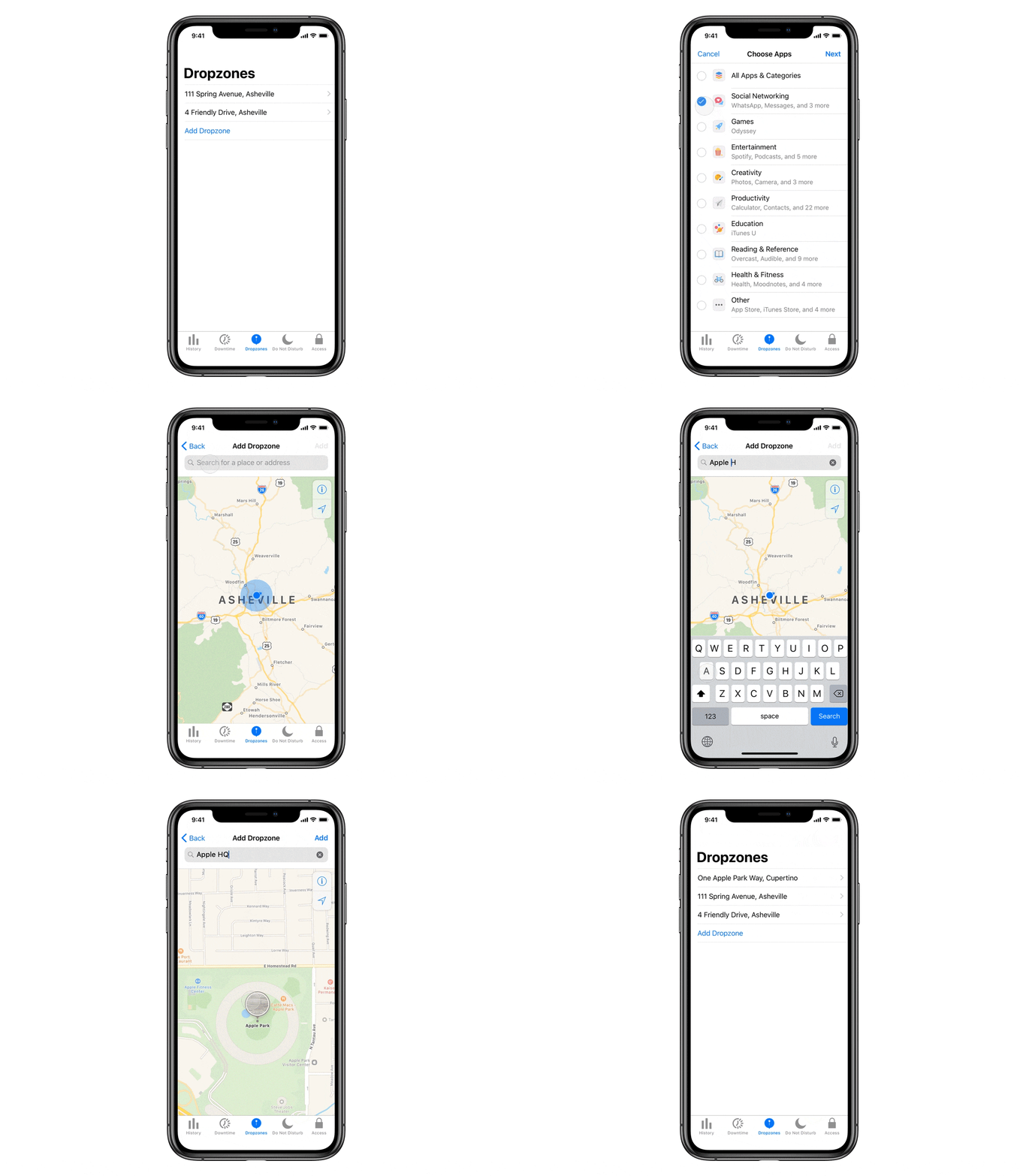
- Dropzones: A location-based version of Downtime (future post coming).
- Do Not Disturb: Relocated in order to keep everything under one roof.
- Access: A place for toggling content restrictions, passwords, etc.

Location-based “Dropzones”
Dropzones are a location-based version of Apple’s “Downtime” feature. Want to use Dropzones at home? Simply choose a category of apps you want to limit (e.g. social media), then type in your home address. Now, whenever you’re at home, your phone will automatically limit access to your social media apps. Dropzones are also useful at school, work, or any other location where you want to auto-unplug. Animation below made using Principle.
2020 update: Apple introduced a similar feature called Dropzones in their Shortcuts app.